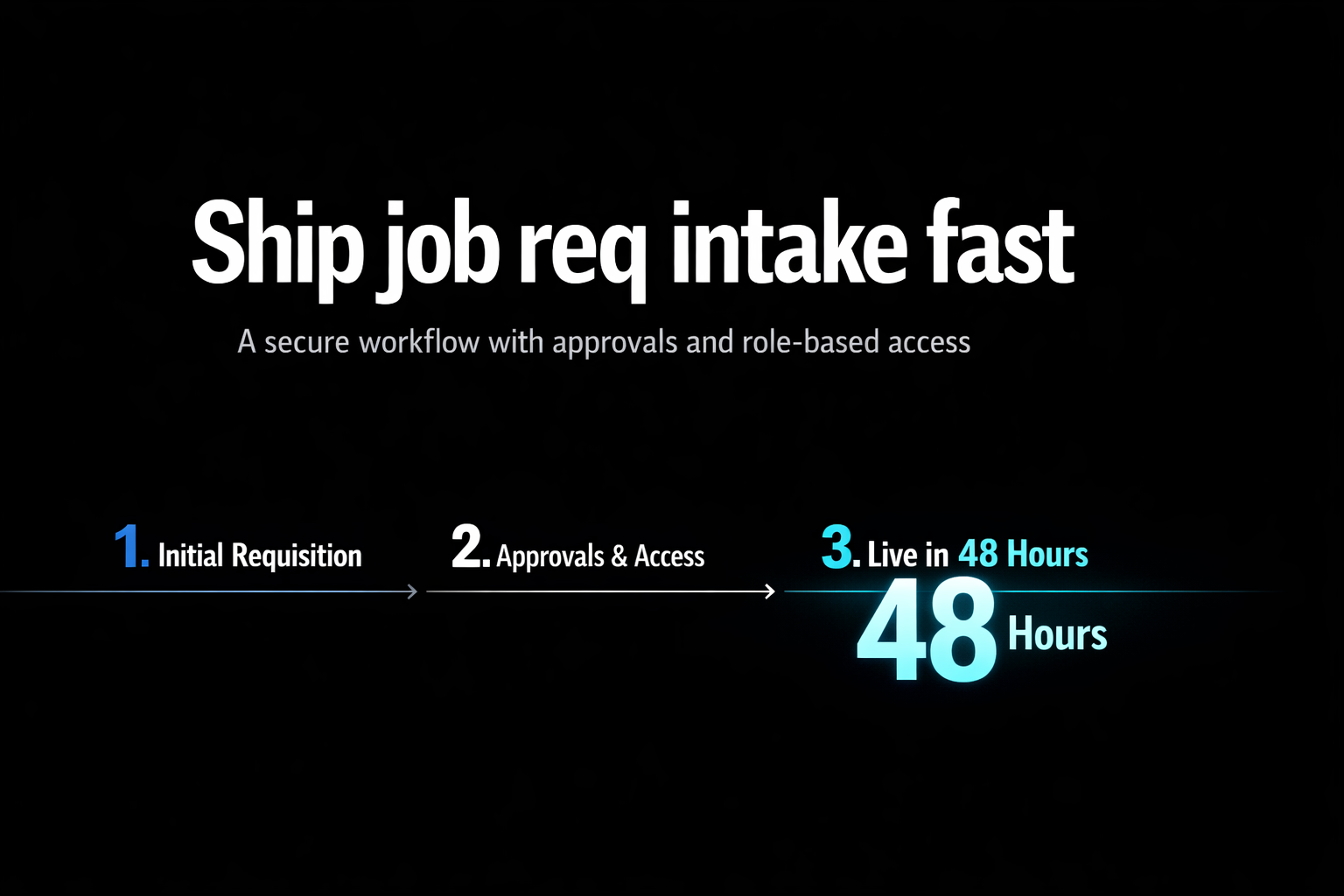
Job req intake is the structured way a staffing or HR team collects a hiring request (role, level, budget, location, justification) and routes it for review and approval before recruiting starts. A good job req intake flow standardizes data, enforces approvals, and creates a clean handoff into ATS, recruiting ops, and reporting.
TL;DR
- Treat job req intake as a workflow, not a form, the approvals and handoffs are where delays happen.
- Start with one “happy path” requisition type, then expand, avoid boiling the ocean.
- Design for the real US stakeholders: hiring manager, finance, HRBP/recruiting, and approvers.
- Use role-based access so managers can submit and track, while HR controls templates, routing, and reporting.
- Build vs buy comes down to process variability, integration needs, and how much you care about data quality and visibility.
Who this is for: Ops leads, HR leaders, recruiting ops, and staffing managers who need faster, cleaner requisition intake and approvals.
When this matters: When reqs stall in email and spreadsheets, approvals are inconsistent, or recruiting is blamed for delays that start upstream.
If your job req intake still lives in email threads, shared docs, and “quick Slack approvals,” you already know the punchline: recruiting gets blamed for delays that started before a req ever hit the ATS. In US staffing and HR teams, the bottleneck is usually upstream, unclear requirements, missing budget context, and approvals that depend on who’s in the office. A simple intake form won’t fix that. What you need is a lightweight internal app that standardizes requisition details, routes decisions to the right people, and gives everyone a single place to track status.
This guide walks through how to build a job req intake app in 48 hours using a no-code approach, what to include (and what to skip), and how to think about security and approvals. The goal is not “perfect process.” It’s a pragmatic system that reduces back-and-forth and creates a clean handoff into the tools you already use.
Job req intake is a workflow with a decision, not just a request form
A request form captures inputs. Job req intake captures intent, context, and authorization. In staffing and HR, that difference matters because the riskiest part of a requisition is rarely the job description, it’s whether the company should open the role, at what level, in which location, with which compensation band, and on what timeline.
So job req intake should include three outcomes your current tools might not give you by default: a consistent data model (so reporting works), an approval workflow (so decisions are auditable), and a clear handoff (so recruiting knows exactly what “approved” means). If you want a broader view of tools versus custom approaches, reference best tools for job req intake (and when to build).
The US-specific triggers that make intake break (and why teams rebuild it)
Most teams don’t rebuild intake because they love process. They rebuild it because something keeps going wrong in predictable ways:
- Approvals happen out of order. A hiring manager gets verbal buy-in, then finance pushes back later, and the req restarts.
- Role scope is vague. Recruiting launches sourcing before level, location, comp range, or interview panel is defined.
- Different departments use different templates. Sales wants a quota plan field, engineering wants tech stack fields, ops wants shift coverage fields.
- No one can answer “where is this req now?” Without a shared status, the loudest stakeholder wins.
- Audit and access concerns. Sensitive reqs (executive searches, backfills, reorganizations) should not be broadly visible.
A job req intake app is often the fastest way to stabilize these issues because it sits above your ATS. It decides what is allowed to become a req, and under what conditions. If you are mapping handoffs end-to-end, a process map from intake to completion helps you pressure-test where work actually stalls.
What to build in 48 hours: the smallest app that actually changes outcomes
Think in two layers: the data you must collect, and the workflow you must enforce. Keep the first version deliberately narrow. You can always add fields. Fixing a messy workflow after adoption is harder.
| App component | Include in v1 | Why it matters |
|---|---|---|
| Requisition intake form | Yes | Standardizes required inputs so recruiting is not chasing basics. |
| Approval workflow | Yes | Turns “I think it’s approved” into a tracked decision. |
| Status tracking + comments | Yes | Gives stakeholders one source of truth and reduces pings. |
| Role-based access | Yes | Limits visibility for sensitive reqs and keeps editing controlled. |
| Templates by department | Optional | Useful, but start with one template and evolve. |
| ATS writeback | Optional | Nice to have if you already have clean fields and IDs. |
| Dashboards | Optional | Start with operational views, add leadership reporting later. |
A practical build outline (AltStack) for staffing and HR teams
AltStack is built for this exact category of internal tool: a secure portal plus an admin panel with a real workflow behind it. The fastest path is to start with one requisition type (for example: backfill, net-new headcount, or contractor) and one approval route, then add branches once usage is steady.
- Define your requisition record. Core fields: department, hiring manager, role title, level, location/work model, reason (backfill or net-new), target start date, budget owner, comp band or range (if your policy allows), and notes.
- Model the approval workflow. Typical stakeholders: hiring manager submits, HRBP or recruiting ops reviews for completeness, finance approves budget, then final approver (often department head) signs off.
- Set role-based access. Common roles: requesters (create and view their own), approvers (view assigned items), HR admins (view all, edit templates, override routing), and executives (read-only reporting).
- Create two working views. An “Inbox” for approvers (assigned to me, aging, next action) and an “Ops board” for HR/recruiting (all open reqs, stage, bottlenecks).
- Integrate lightly. Start by sending structured notifications to the tools your teams already live in, then add deeper integrations once the data is consistent.
If your team specifically wants an intake front door that feels like a portal, with permissions and a clean requester experience, the fastest way to ship a secure intake portal goes deeper on patterns that work.
Staffing and HR workflows worth standardizing first
The best first workflows are the ones that create friction today and compound value tomorrow. A few that tend to pay off quickly in US teams:
- Backfill requests with tight timelines: capture reason for vacancy, must-have skills, and interim coverage plan so recruiting can prioritize.
- Net-new headcount: enforce budget owner approval and require a short justification to avoid surprise re-litigation later.
- Conversion requests (contractor to FTE): standardize who approves, what comp guidance is needed, and when the change is effective.
- High-sensitivity reqs: restrict visibility and add an explicit confidentiality flag so the workflow is controlled by design.
- Interview panel readiness: require interview loop owners before a req becomes “ready to recruit,” then coordinate scheduling in the systems you use.
Intake and scheduling are tightly linked. If interview logistics are a recurring failure point, best tools for interview scheduling (and how to build your own) can help you decide whether to standardize that next.
Build vs buy: the decision is really about variability and control
Some teams should buy. Some should build. The trap is making the decision based on “how fast can we get a form live?” because that’s not the hard part.
A simple heuristic: buy when your process is standard and you mainly need integrations. Build when your process varies by department, you need custom approvals, or you care deeply about what data is captured and who can see it.
| If this is true… | …lean buy | …lean build (no-code) |
|---|---|---|
| You need a consistent, default workflow | If your approvals and fields are mostly the same across teams | If each org has different gates, templates, and exceptions |
| You care about speed to deploy | If configuration gets you 80% of the way quickly | If configuration fights your reality and creates workarounds |
| You need tight permissioning | If the tool supports your exact access model | If you need nuanced, role-based access and restricted req types |
| You want clean reporting | If the tool enforces required fields and has the dashboards you need | If you need custom dashboards and your own definitions of stages |
| You expect process changes | If change requests are rare | If your workflow changes frequently and you need fast iteration |
Security and access: what “good enough” looks like for an internal intake app
Job req intake touches sensitive information, especially for executive searches, reorganizations, or role eliminations and backfills. You do not need to overcomplicate v1, but you do need to be deliberate.
- Default to least privilege: requesters should not automatically see all open reqs.
- Separate “can view” from “can edit”: many stakeholders need visibility without the ability to change the request.
- Log workflow actions: approvals, rejections, and edits should be attributable to a user.
- Use role-based access tied to your org structure where possible: department-level access prevents accidental leakage.
- Treat integrations as part of the security model: avoid sending sensitive req details into tools or channels with broad membership.
What success looks like after you launch
Skip vanity metrics. The point of job req intake is fewer delays, cleaner handoffs, and fewer rework loops. In practice, teams track a few operational signals:
- Cycle time from submission to approval: the most direct indicator that the workflow is working.
- Rework rate: how often a req gets sent back for missing info or scope changes.
- Aging by approver or stage: where approvals pile up and why.
- Field completeness: whether required fields are actually filled with usable data.
- Downstream churn: how often recruiting has to restart intake because the role changed materially post-approval.
Closing thought: make intake boring, so recruiting can be great
The best job req intake systems are unglamorous. They remove ambiguity, force decisions, and keep sensitive information appropriately contained. If you can ship the first version in 48 hours, you can spend the next few weeks iterating based on real usage instead of debating hypotheticals.
If you want to pressure-test whether to build or buy, or you want a fast prototype that matches your approvals and security model, AltStack can help you go from prompt to production without code.
Common Mistakes
- Building a long form that tries to cover every requisition type on day one.
- Copying an approval chain from an org chart instead of routing based on budget ownership and accountability.
- Letting “approved” mean different things to different people (approved to post vs approved to start sourcing).
- Making the req visible to too many people by default, then trying to add privacy later.
- Over-integrating before your fields and statuses are stable, which bakes inconsistency into downstream systems.
Recommended Next Steps
- Pick one requisition type and document the exact decision you want the workflow to produce.
- List the minimum fields recruiting needs to start, then enforce them as required in the app.
- Define roles and permissions before you build screens, especially for sensitive reqs.
- Launch with an approver inbox and an HR ops view so both sides feel the value immediately.
- After adoption, add integrations and dashboards only where they reduce manual work or improve visibility.
Frequently Asked Questions
What is job req intake?
Job req intake is the process of capturing a hiring request and routing it through the right reviews and approvals before recruiting starts. It typically includes required role details, budget context, and an auditable approval workflow so HR and staffing teams can act on requests consistently.
Who should own the job req intake process in a staffing or HR team?
Usually recruiting ops or an HR ops function owns the intake workflow and templates, with HRBPs and finance as key stakeholders in approvals. The goal is one accountable owner for the system, while hiring managers remain responsible for submitting complete requests and participating in approvals.
How is job req intake different from an ATS requisition?
An ATS requisition is often where approved roles get managed for recruiting execution. Job req intake sits upstream: it standardizes what qualifies as an approvable request, enforces who must approve, and captures context that may not fit neatly in an ATS field model.
Can we build a job req intake app without code?
Yes. A no-code internal tool can handle the core needs: a structured intake form, role-based access, an approval workflow, and status tracking. The key is to design the workflow and permissions first, then build screens around the decisions and handoffs you need.
What security controls matter most for job req intake?
Least-privilege access, separation of view vs edit permissions, and clear role-based access are the basics. You also want auditable workflow actions (who approved what, when) and careful handling of notifications and integrations so sensitive requisition details are not broadcast broadly.
How do we decide build vs buy for job req intake?
Buy if your workflow is fairly standard and you mostly need a configurable system with integrations. Build when your approvals vary by department, you need nuanced permissioning, or you want tighter control over the data model and dashboards. The more exceptions you have, the more build tends to win.
What should we launch first if our current intake is messy?
Start with one requisition type and one approval route, then make the “approve or send back” decision explicit. Ship an approver inbox plus an HR ops view so stakeholders can track status. Once usage stabilizes, add templates, branches, and deeper integrations.